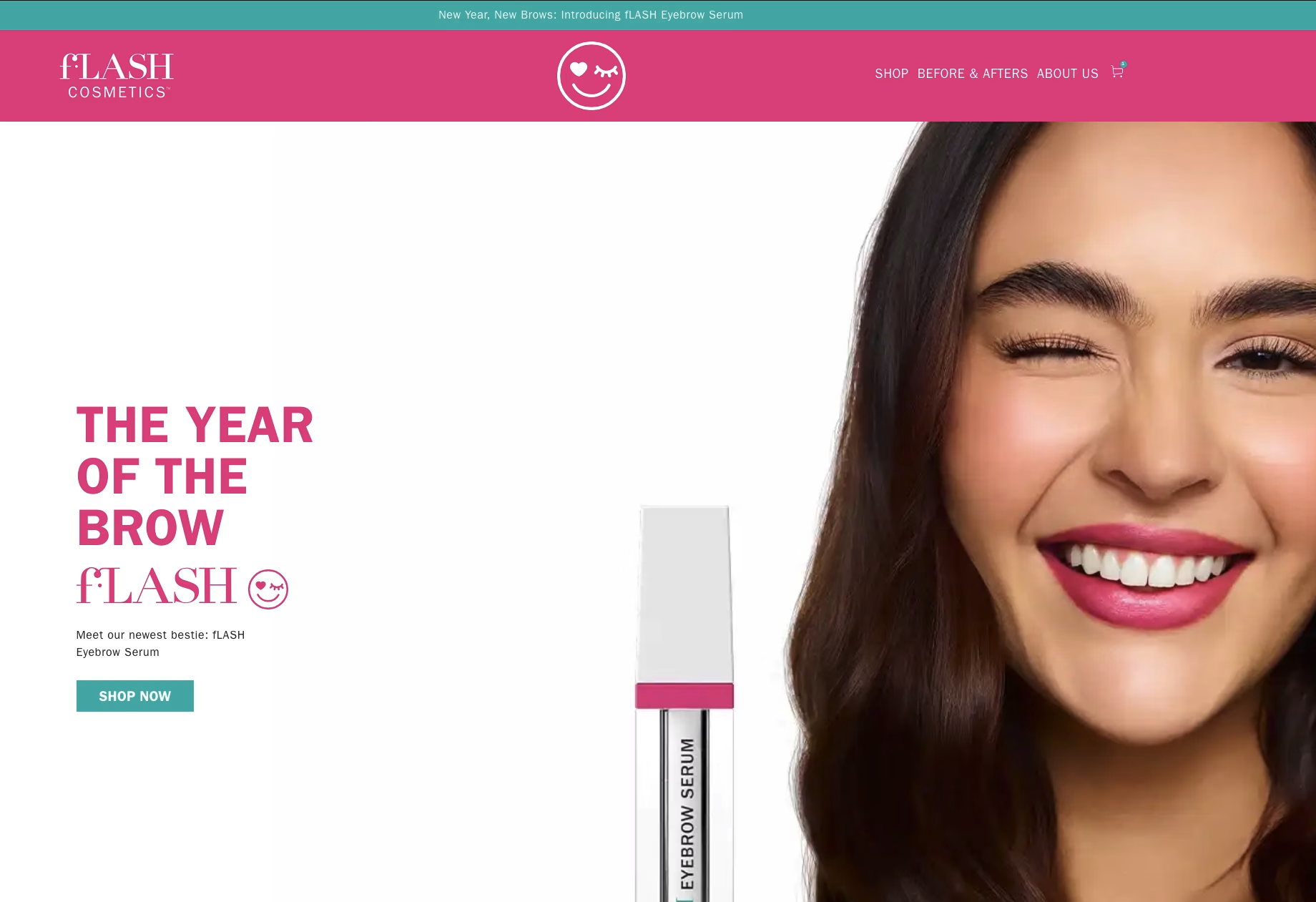
Flash Cosmetic, runs multiple Shopify properties. Most of them were already on the Be Yours theme, but Flash Cosmetics was the holdout, still running on an older custom theme that didn’t match the rest of the fleet. The client wanted uniformity. When someone on the team needs to update a banner or adjust a collection layout, they shouldn’t have to remember which site works differently. One theme across every property means one set of patterns to learn, one set of sections to understand, and fewer “wait, how does this one work again?” moments.
The catch was that Flash Cosmetics had accumulated its own set of customizations over the years: custom product badges, a non-standard mega menu, modified collection filters, and several third-party app integrations that depended on specific DOM structures in the old theme. A simple theme swap would’ve broken half the site.
Starting With the Audit
Before writing any code, I spent time documenting everything the existing theme did. Every customization, every app integration, every visual override. I screenshotted every page type at desktop, tablet, and mobile so I’d have a pixel-level reference for parity testing later. That audit became the migration roadmap. It sounds tedious, and it is, but skipping it is how things get lost in translation during a theme swap.
The audit also helped separate what actually needed to be rebuilt from what was just legacy cruft. Some of the old customizations were workarounds for problems that Be Yours solves natively. Identifying those early saved time during the build.
Why Uniformity Matters
When you’re managing multiple Shopify stores, theme consistency isn’t just a preference — it’s operational. A team member who knows how to update one Be Yours site can update any of them. The section library is the same, the settings panel works the same way, and the mental model carries over. The moment one store runs a different theme, that person has to context-switch, and context-switching is where mistakes happen.
Bringing Flash Cosmetics onto Be Yours meant the client’s team could stop treating it as the exception. Same workflow, same patterns, same confidence across every property.
The Rebuild
I started with the global elements: header, footer, typography, and color scheme. These set the visual foundation and affect every page, so getting them right first means everything else falls into place faster. From there, I moved to product pages first because they drive revenue, then collections, then everything else.
The key architectural decision was rebuilding each customization as a proper Be Yours section with configurable blocks rather than trying to shoehorn the old theme’s patterns into the new one. The old theme had its own way of doing things, and some of those approaches wouldn’t translate cleanly. Rebuilding them native to Be Yours meant Flash Cosmetics would work exactly like the client’s other properties — same editing experience, same section patterns, same expectations.
App integrations were the trickiest part. Each one had to be tested individually against the new DOM structure. Where apps had breaking changes because of the theme swap, I wrote custom Liquid snippets to bridge the gap between what the app expected and what Be Yours provided. That approach saved the client from having to migrate apps on top of migrating themes, which would’ve added cost and complexity.
Development happened on a staging environment with the client reviewing at each milestone. I ran parallel testing between the old and new themes to verify feature parity before touching the live site.
What Shipped
The migration took three weeks from kickoff to launch. The cutover happened with zero downtime using Shopify’s native theme publishing. Page load times improved by roughly 40%, mostly from eliminating redundant legacy code and benefiting from Be Yours’s optimized asset pipeline.
The bigger win is operational. Flash Cosmetics is no longer the odd one out. The client’s team can move between any of their Shopify properties and know exactly how things work — same sections, same blocks, same editor workflow. When someone needs to update Flash Cosmetics, they don’t have to remember a different set of rules. That consistency across properties is what makes a multi-store operation manageable without scaling the team.
Two things stand out from this project. First, the audit matters more than the build. Knowing exactly what you’re migrating before you start is the difference between a smooth launch and a week of post-launch bug fixes. Second, if you’re running multiple Shopify stores, theme uniformity is worth the migration effort. The upfront cost of bringing a holdout store onto the same theme pays for itself quickly in reduced training, fewer mistakes, and a team that can confidently work across any property without hesitation.